DreamLabs
DreamLabs
DreamLabs
[Webflow to code]
For teams whose Webflow site has outgrown the platform and can't afford to lose its search traffic. DreamLabs rebuilds it as a fast site in your own repository, with every URL, CMS item and redirect accounted for, as we did with our own site in August 2026. It starts with a $4,000 two-week strategy sprint, and most builds take about 6 weeks after it.
Start with a strategy sprint[What comes next]
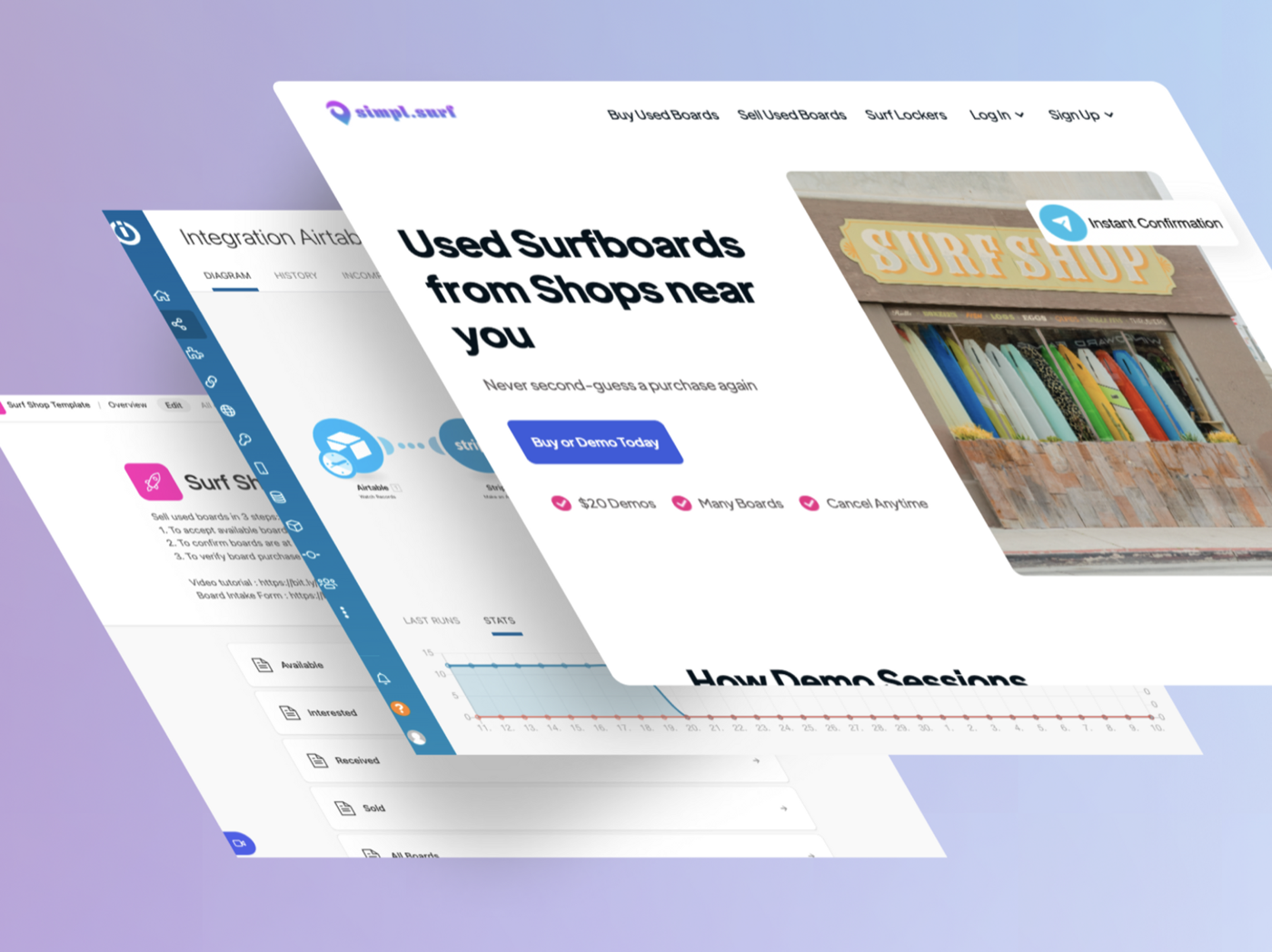
Webflow is a genuinely good place to build a site. A visual designer, CMS and hosting in one product let a small team ship something polished fast. We ran our own site on Webflow until August 2026, and our SimplSurf build used it as the storefront for a used-surfboard marketplace, with listings generated in the Webflow CMS from Airtable and a Stripe checkout on each, built in two weeks.
Teams leave when the site has to do more than Webflow is built for. Its code export, available on paid Workspace plans, hands you HTML, CSS, JavaScript and assets, but not CMS content, form processing, site search, password protection or localized pages, and Collection lists come out empty. Webflow retired its built-in User Accounts on January 29, 2026, so member logins and gated content now mean a third-party tool or code of your own. Application features such as dashboards and live data can run on Webflow Cloud, which hosts Next.js and Astro apps alongside a Webflow site, or be glued on from outside.
Underneath sits the ownership question: the more your content strategy succeeds, the more of your business lives in a platform you can't run anywhere else. We left Webflow ourselves for faster development, more design control and better integration with the rest of our environment. When we moved our own site, we took the code and the hosting into our own hands and shipped a full redesign in the same cutover.
If your site is marketing pages, a blog and forms, your team edits it every day in the Designer and your traffic is healthy, stay. Webflow's May 2026 plan update raised the limit to 20,000 CMS items on its Premium plan, so item limits rarely force a move now, and Webflow Cloud can host an app next to your site. A migration pays off when you need something those don't give you: code in your own repository, logins without a bolt-on, or a site generated from data you already own.
Webflow details on this page were checked against Webflow's help center, developer docs and pricing page on October 7, 2026.
[How it works]
[01]
Two weeks, flat $4,000, refunded in full if we don't move forward together. We crawl the live site, export every Collection and your redirects, and inventory metadata, integrations and the corners Webflow makes easy to forget: custom code in the head, forms, embeds, and internal links still pointing at a webflow.io staging domain, which we found on our own site. You get a one-to-one URL map, wireframes for anything that should change, and the scope we quote the build from.
[02]
Your exported Collections become the content model and your templates become components that generate pages from it, so hundreds of CMS pages cost about the effort of one well-built template. Senior engineers, with AI speeding up the build, rebuild the design system as maintainable code rather than transplanting Webflow's markup.
[03]
The new site runs on staging while Webflow keeps serving production, untouched. We compare the two page by page, re-host every asset and test the full redirect map against the live URL inventory. Cutover is a DNS change, and because Webflow stays live until you cancel, you can point back if anything looks wrong.
[04]
We ship a complete sitemap.xml, a robots.txt and canonical URLs, submit the sitemap to Search Console, and watch indexing, 404s and redirects through the first crawl cycles, so anything Google trips on gets fixed while it's small. Then Webflow gets cancelled, not before.
[Where you land]
For a content site we recommend Astro, the framework we chose for our own. Content lives in your repository as structured data, one template generates every page of its type at build time, and the output is plain, fast static HTML: what Webflow serves, without the platform in between. Our site is built with Astro and deploys to Cloudflare Pages automatically on every push to main.
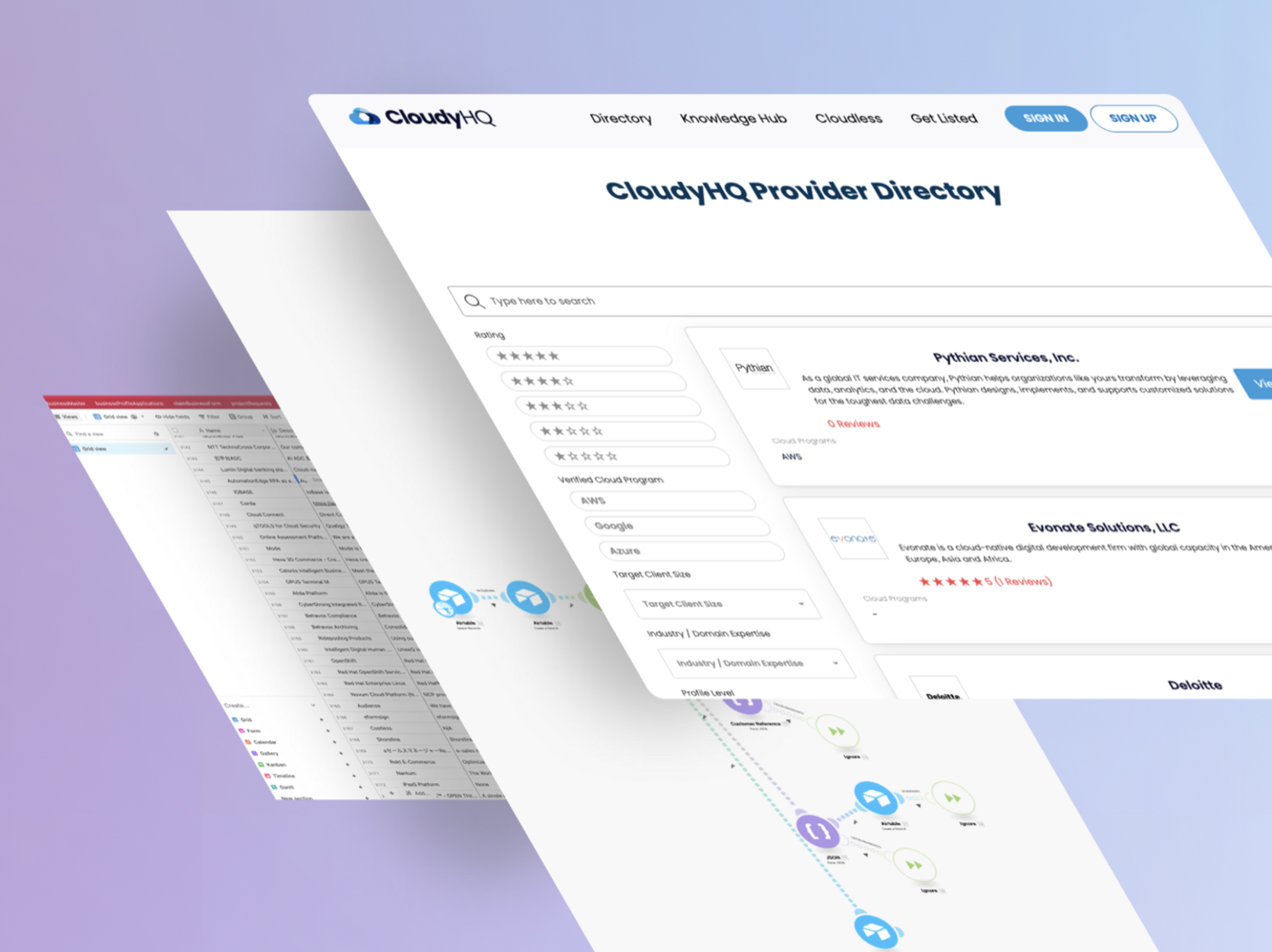
When a site needs real application behavior, such as logins, dashboards or live data, we build that part in React and Next.js, or in Flutter with Firebase behind it. CloudyHQ, which we built on Softr, Airtable and Make, is that kind of product: a directory with member logins, separate provider and company profiles, paid listing tiers and search across a cleaned 5,000+ record data set, launched in six weeks. Either way you own the code, choose the host, and can hand the repository to any developer.
We kept every slug when we cut over on August 26, 2026, so nothing broke. About six weeks later, Search Console showed Google had indexed only 2 of our 300 city pages, under Webflow or since, and the 300 had earned 4 clicks in 16 months between them. Owning the code made the fix simple: we consolidated to about 40 pages built around real proof and generated a 301 for every retired URL, 1,379 redirect rules in all, none pointing at the homepage. A migration is the right moment to decide which pages earn their place.
[Other platforms]
[Exports and stacks]
Built it with Lovable, Bolt, v0, or Replit instead? See AI prototype to production →
[FAQs]
Every migration starts with a two-week strategy sprint for a flat $4,000, refunded in full if we don't move forward together. We crawl the site, export your Collections and redirects, map every URL and scope the build, which we quote from that scope. Cost follows templates, integrations and custom functionality more than page count, because CMS pages regenerate from your exported data.
Two weeks for the sprint, then about 6 weeks for most builds. The heavy lift is templates and the URL map, not page volume: once a template exists, its pages generate from data. Our own site went live on the new stack with all 366 pages and a full redesign in the same cutover.
Not if the migration is deliberate. Rankings attach to your URLs and content, not to Webflow. We keep every slug or 301 it on purpose, carry over metadata and your existing redirects, ship a sitemap and robots.txt, and watch Search Console through the first crawl cycles after cutover.
No. The new site is built and verified on staging while your Webflow site keeps serving traffic. The switch is pointing your domain at the new host, and if anything looks wrong you can point it straight back, because Webflow stays live and unchanged until you cancel. Forms, analytics and embeds are tested before the switch, not after.
It comes with you as data. Webflow exports each Collection as CSV, and that export becomes the version-controlled source your new site generates its pages from, with every image re-hosted before cutover. From then on your content lives in your repository or a headless CMS you choose.
For a few static pages, perhaps. The export, on paid Workspace plans, leaves out CMS content, form processing, site search and password protection, and Collection lists render empty, so a site that runs on its CMS needs a rebuild that generates those pages from your data.
[Interested?]