DreamLabs
DreamLabs
DreamLabs
[App Store]
Rork and Vibecode turn a description into a working app; Adalo and Glide prove the idea without code. DreamLabs, a fractional product team, gets it through App Store and Google Play review and keeps it there, as tested code in store accounts you own. Start with a two-week strategy sprint for a flat $4,000, refunded in full if we don't move forward together; most builds then take about 6 weeks.
Start with a strategy sprint[What comes next]
The AI mobile builders have changed app prototyping. Describe an app and Rork or Vibecode hands back one you can run on your phone, and both can submit it to the App Store for you. What they write changed in 2026: Rork now builds native Swift for iPhone and Kotlin for Android, with existing Expo projects still supported, and Vibecode builds native Swift iOS apps or cross-platform React Native apps on Expo. Either way you hold a real codebase you can take with you: Rork syncs it to GitHub on paid plans, and Vibecode lets you download the complete project.
No-code gets apps to the same point by a different road. Adalo publishes native apps to both stores on its paid plans, with flat pricing and no usage-based charges. Glide builds Progressive Web Apps, and Glide's help center says they can't be published in the App Store or Google Play. If you validated your product on either one, that was the right call. When it works, the next question is what the platform lets you build and where the app can live: Adalo's help center describes leaving as taking an export of your app's data, so moving on means a rebuild, and a Glide app needs one to reach the stores at all.
Mobile is where the prototype stage ends abruptly, because two other parties get a vote. The stores review you, against rules that are easy to trip without knowing them. Apple's App Review Guidelines bar an app from downloading or executing code that introduces or changes features (2.5.2), expect more than a repackaged website (4.2), reject apps from an app generation service unless the provider of the app's content submits them, so the developer account should be yours (4.2.6), turn away apps indistinguishable from what's already there (4.3), and require in-app account deletion and explicit permission before personal data goes to a third-party AI (5.1.1 and 5.1.2). Google requires a Data safety form for every app on a closed, open or production track, and new personal developer accounts must run a 14-day closed test before applying for production access. And you can't hot-fix freely. Expo's own docs say over-the-air updates must follow store guidelines and that changes to an app's behavior usually need review, so a missing test suite stops being a style question.
Underneath sits the native layer, where generated and no-code apps tend to be thinnest: push notifications, deep links, background tasks, permission prompts, offline state and sync, and in-app purchases with server-side receipt validation and a working restore. Each has a happy path the tool handles and a long tail it doesn't. The builders help here too (Rork's AI App Store Reviewer checks an iOS build against the guidelines before Apple does), but someone still has to own the release.
If your app is live, passing review, and the builder still does what your roadmap needs, keep shipping from it. Bring us in when an update gets rejected, when you need both stores from code you control, or when the next feature lives in the native layer.
Store and platform details on this page were checked against Apple, Google, Expo, Rork, Vibecode, Adalo and Glide documentation on October 7, 2026.
[How it works]
[01]
Two weeks, flat $4,000, refunded in full if we don't move forward together. We map the shipped app into a features table, wireframe what should change, and scope the first release. Alongside it we review what you have (the repository, or for Adalo and Glide the app itself and its data exports) against current App Store and Google Play rules: runtime code, account deletion, data shared with AI services, privacy manifests and Data safety. For an app already live, we read your crash and review data. If an update is blocked right now, unblocking it becomes the first job.
[02]
If you hold generated code, we get you shipping again before any refactor: compliance fixes go in first, then a build and release pipeline in your own accounts with signing credentials you own, plus crash reporting so you can see what your users hit. On Adalo or Glide there is no code to fix, so we document every screen, action, visibility rule and workflow, drop what usage proved nobody needed, and rebuild the rest on a real backend, with your existing app as a complete functional spec. Either way, we test on real devices.
[03]
Senior engineers build the structure the tool never designed: navigation and state architecture, typed models shared with the backend, shared components instead of per-screen duplicates, and native modules implemented rather than approximated. AI speeds up the mechanical refactors and test coverage while the architecture stays with the engineers. Automated tests and CI land alongside, so a regression is caught by the pipeline instead of by app review.
[04]
We ship through App Store and Google Play review, watch crash rates and performance under real traffic, and stage the rollout so a problem reaches a fraction of your users rather than all of them. Then you get the repository, the store and infrastructure accounts, the signing credentials, and documentation a new hire can onboard from.
[Where you land]
Apps from the AI mobile builders land on production code in the language that fits the product. We build most apps in Flutter, which reaches both stores and the web from one codebase, or in React Native (Expo where it fits, bare when a native module demands it), and we also work in Swift when native iOS is the right call, as it can be for an iPhone-first app. Around it go a release pipeline in your accounts, your backend hardened behind it, and crash reporting and analytics wired in.
Adalo and Glide apps have no code to preserve, so they land on Flutter or React Native, backed by Firebase or Supabase, and we recommend one stack based on your data model, integrations and team. Infrastructure costs then follow actual usage, and full store presence comes standard.
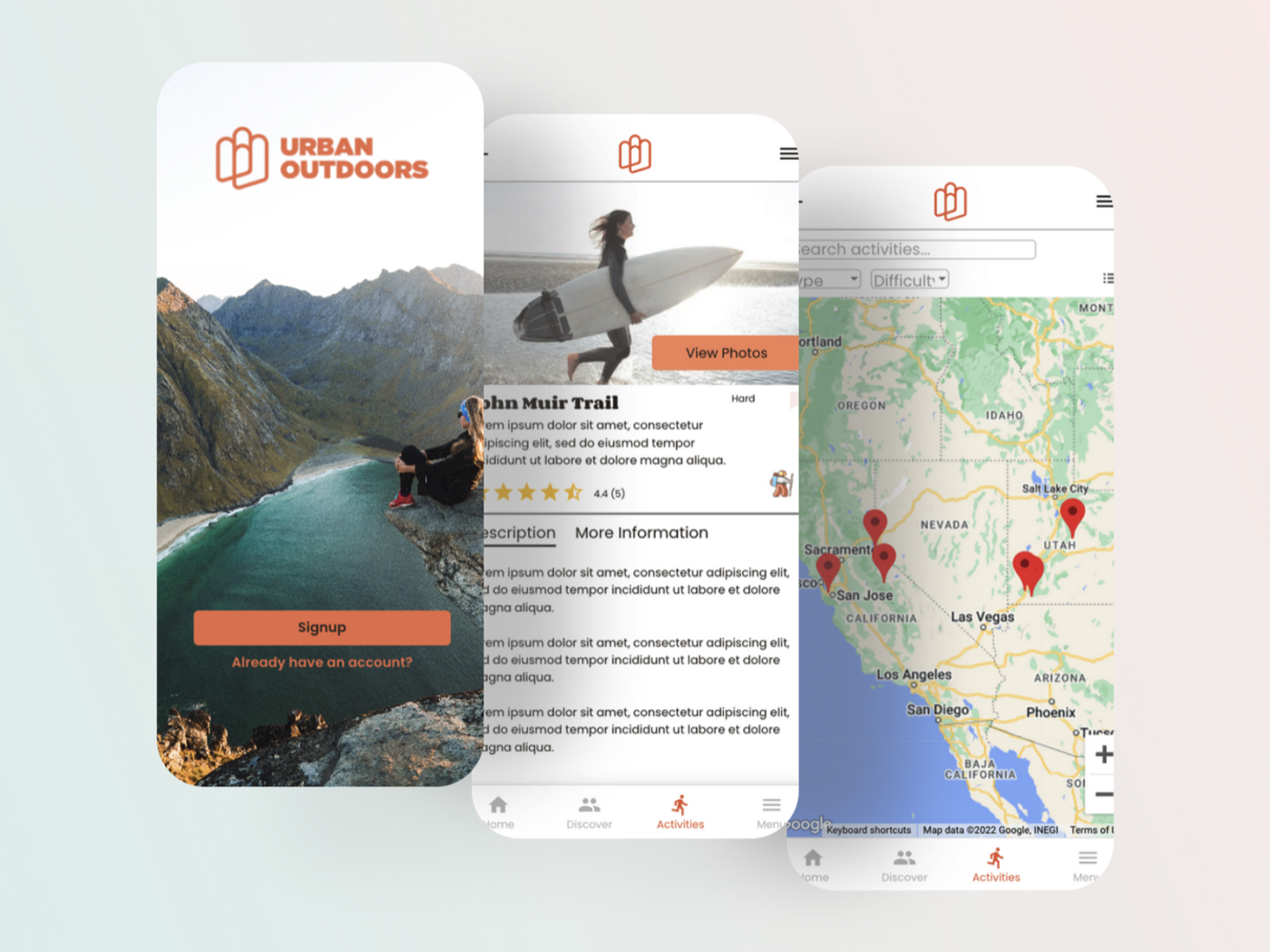
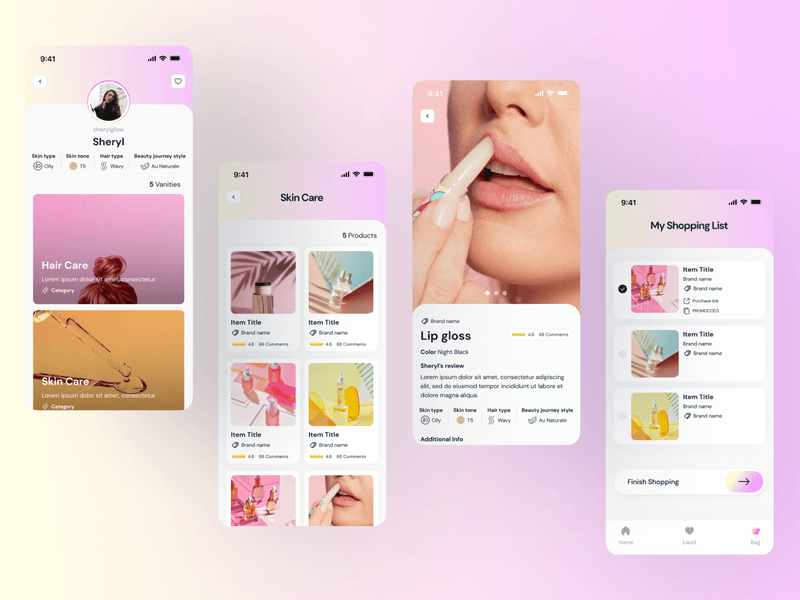
How we ship: we built Urban Outdoors' native MVP in Adalo in six days and took it from roadmap to first users in four weeks, against agency quotes of six months; today, once an Adalo app has proven its idea, we rebuild it in code the owner controls. GlowCode went from idea to a launched native app in eight weeks and is on both stores. Nurture shows the staying-there part: live on the App Store since March 2023, 19 releases across the app and its admin web app by August 2024, and still receiving updates in September 2026.
Either way you own every line of code, every signing credential and every store account, so the next release is an engineering decision, not a platform negotiation.
[Other platforms]
[Smaller engagements]
Migrating off FlutterFlow, Bubble, Webflow, or Airtable instead? See no-code migration →
[FAQs]
Yes, and unblocking you is the first job in our process. Causes to check include code downloaded at runtime that changes features (Apple Guideline 2.5.2), minimum functionality or spam findings (4.2 and 4.3), no in-app account deletion (5.1.1), personal data sent to an AI service without explicit permission (5.1.2), or missing privacy manifests and Data safety declarations. Each is fixable, and we sequence compliance first so you clear review before any deeper work starts.
Yes, by rebuilding it. Glide's help center says its apps are Progressive Web Apps and can't be published to the App Store or Google Play, and wrapping a web app in a native shell risks rejection under Apple's Guideline 4.2, which expects more than a repackaged website. Adalo does publish native apps, so if you're already in the stores, the reasons to rebuild are capability or owning your code. A rebuild in React Native or Flutter, from your data exports and the running app, gives you a native app in your own store accounts, and our roots are in no-code (we built Urban Outdoors in Adalo), so we know how these platforms behave.
No. An app that is already live ships the new build as an update to the same app record, so it keeps its listing, written reviews and install base, and Apple only resets the overview rating for a version if you choose to. The one change some users may notice is a new sign-in system, which happens when accounts move off a builder-hosted backend or off Adalo or Glide; where passwords can't move, it's a one-time reset.
Because real code and production code are different things, and mobile punishes the gap harder than the web does. A generated project can have per-screen state, native capabilities built to the happy path, no tests, and a release flow run through the builder. The language is fine, which keeps this fast: the work is architecture, native correctness and the release engineering that was never there.
It depends on where your users are. If the app is iPhone-first, Swift is a fine place to stay. If both stores matter, Rork's own docs make the trade clear: React Native shares one codebase across iOS and Android, which they call a real engineering advantage, while its separate Swift and Kotlin apps can drift. One React Native or Flutter codebase is usually the better long-term home for a small team, and an existing Expo app is already most of the way there. We build most apps in Flutter and also work in Swift when native iOS is the right call, so we give you the recommendation in the sprint rather than steering you toward whichever we'd rather build.
No. Your current app stays live throughout, because we work from the repository or the data exports and the app itself, not inside your production environment. When the new build is ready, data migrates with integrity checks and we cut over only once everything checks out. Your users get an update, not an outage.
Every project starts with a two-week strategy sprint for a flat $4,000: we map your current app into a features table, wireframe what changes and scope the first release, and we refund the sprint in full if we don't move forward together. We quote the build from that scope. Most builds then take about 6 weeks, versus the 6 months a traditional agency rebuild typically takes, at a fraction of the cost. Apps with heavy custom integrations can run longer, and we flag that in the sprint, not after you've committed. Unblocking a rejected update comes first rather than waiting for the full timeline.
[Interested?]