DreamLabs
DreamLabs
DreamLabs
[Decision guide]
For founders and product teams deciding whether to keep building in FlutterFlow or move to Flutter code. Stay while the editor is your fastest path; move when code review, automated tests, more engineers or a security review start to matter. DreamLabs builds in Flutter with AI-accelerated development, and a move starts with a $4,000 two-week strategy sprint. Most builds take about 6 weeks after it.
Start with a strategy sprint[At a glance]
| FlutterFlow | Flutter code you own | |
|---|---|---|
| What it is | A visual builder that generates Flutter code, with deployment, web hosting and AI tools built in | Google's open-source framework, written in Dart, for iOS, Android, web and desktop from one codebase |
| What the tool costs | Free (2 projects, no code download); Basic $39/mo; Growth $80/mo first seat, $55 second; Business $150/mo first seat, $85 each for seats 2–5 | $0: Flutter is free and open source under the BSD 3-Clause License |
| Who builds | Anyone fluent in the editor, plus Dart for Custom Actions, Widgets and Functions | Engineers who write Dart, with AI assistance |
| Team and branches | 1 editor on Free and Basic, up to 2 on Growth, up to 5 on Business; branches beyond main start at Growth (2) and Business (5) | As many contributors and branches as your Git host allows |
| Automated tests | None on Free or Basic, 1 per project on Growth, up to 3 on Business; Test Pilot from Basic | Unit, widget and integration tests, as many as your flows need, run in CI |
| Your code | Yours once downloaded (Basic and up) or pushed to GitHub (Growth and up) | In your repository from the first commit |
| Best fit | Proving demand with one or two builders and mostly standard screens | Real users, a growing roadmap, engineers joining, a security review ahead |
[The real choice]
FlutterFlow isn't a rival to Flutter. It's a visual builder that generates Flutter code, so both paths end in the same kind of app. The real choice is where your app's source of truth lives: in FlutterFlow's editor, or in a repository your engineers own, review and test.
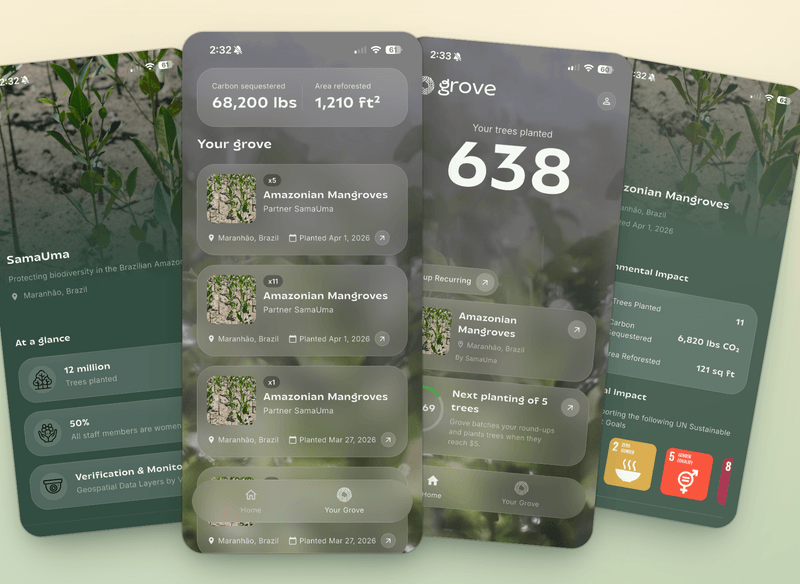
We've worked both ways. We used to build apps in FlutterFlow, switched to AI-accelerated development in Flutter, and have exported most of the apps we started in FlutterFlow. Grove, our own product, is built in Flutter with Claude Code as part of that workflow.
FlutterFlow keeps moving too. It rebuilt its plans around team size in August 2025, when Free, Basic, Growth and Business replaced Standard, Pro and Teams, and its CLI now lets AI coding agents such as Claude Code, Gemini CLI and Codex create and edit FlutterFlow projects. The FlutterFlow project stays the source of truth: FlutterFlow's docs say the CLI doesn't run your app and isn't a replacement for the visual builder.
That is a productive way to run a product, and paid plans include Code Download, so you can still leave later without starting over. If that's where you are, we'll tell you to stay.
FlutterFlow details on this page were checked against FlutterFlow's documentation and pricing page on October 8, 2026.
[How to decide]
[01]
Open the custom code in your project, or download the export, and see how much of the app lives there and how fast it's growing. If most new features need Dart, the editor is no longer your fastest path.
[02]
If it's still one or two people in the editor, stay. If you're hiring engineers, they'll expect a repository, pull requests and automated tests.
[03]
Security questionnaires, investor diligence and enterprise customers ask who owns the code and how it's tested. If those questions are coming this year, plan the move before they arrive.
[04]
Two weeks, flat $4,000, refunded in full if we don't move forward together. We audit your FlutterFlow project, map every screen and custom function into a features table, and tell you plainly whether to stay or move. If you move, we scope the first release and quote the build from it; most builds take about 6 weeks.
[Where we fit]
When it's time to move, DreamLabs rebuilds your app in Flutter with AI-accelerated development, on the Firebase or Supabase backend you already run, so users keep their accounts and simply get an app update. We test on real devices, and when native iOS is the right call, we work in Swift.
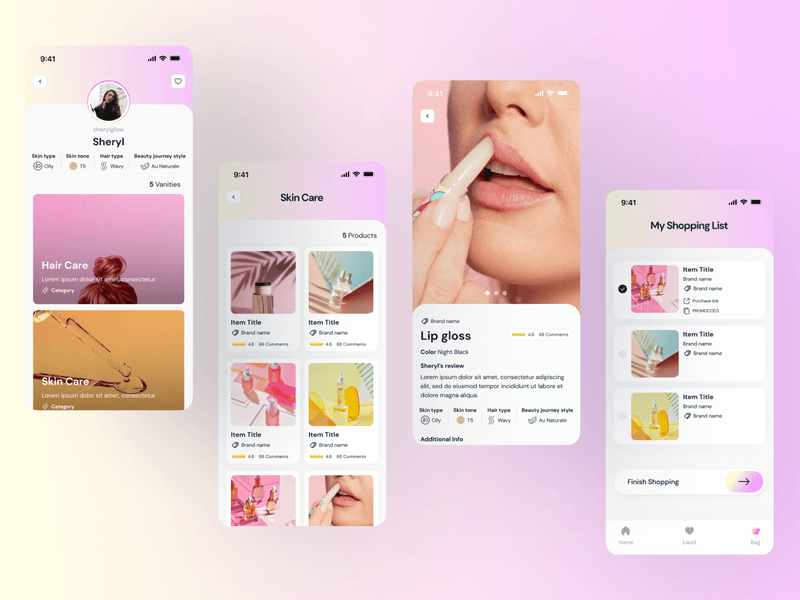
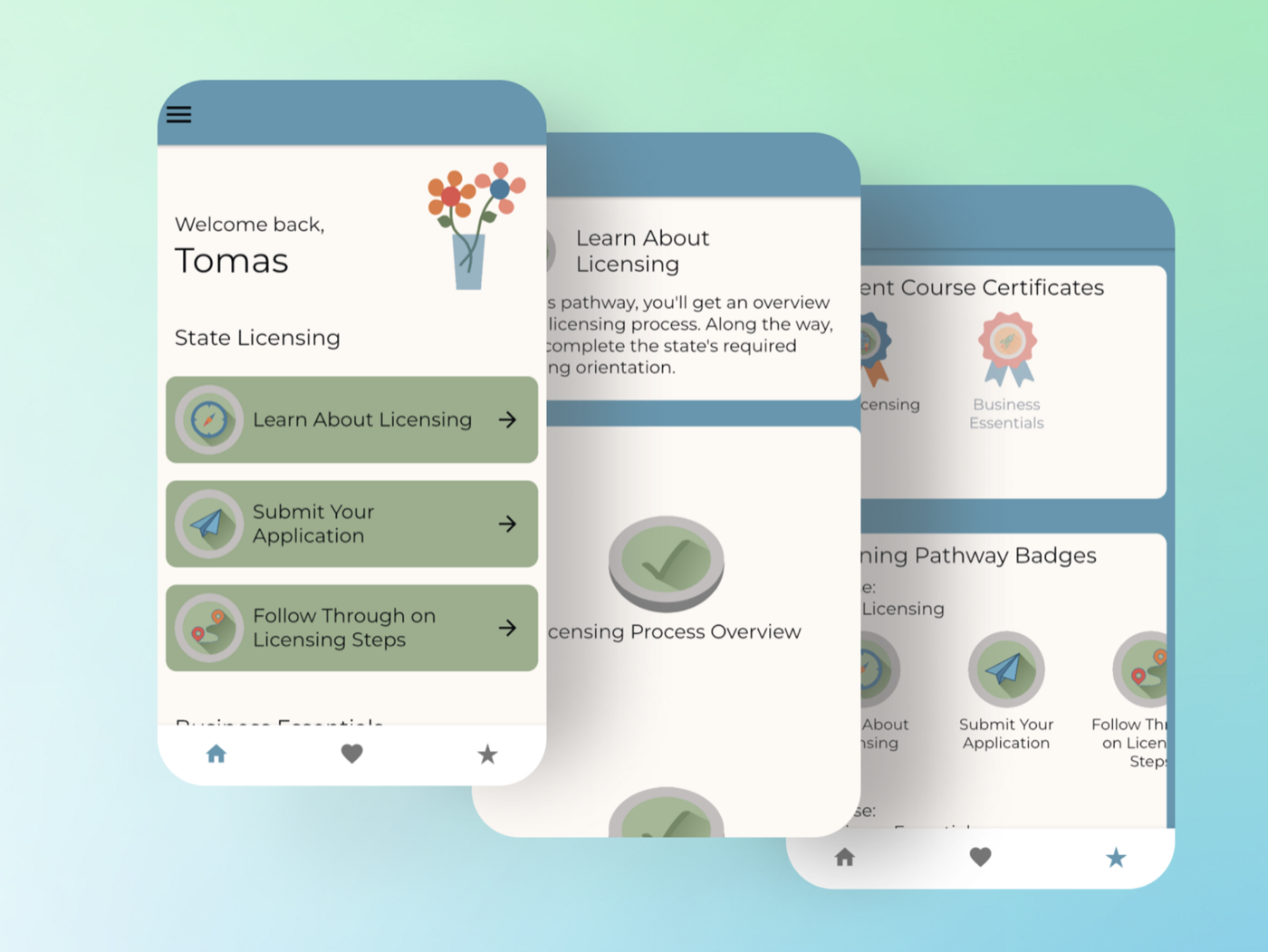
The proof is in what we ship. Grove, the product our founders co-founded, went from idea to both app stores in six weeks and had shipped 12 updates by version 1.4.2. GlowCode shipped one Flutter codebase to the App Store and Google Play eight weeks from idea to launch. Nurture's Flutter app has been on the App Store since March 2023 and still gets updates.
Already holding an export? Our guide to FlutterFlow exported code shows what to keep and what to refactor, and the FlutterFlow migration guide covers the full move.
[Platform guides]
[Exports and stacks]
Built it with Lovable, Bolt, v0, or Replit instead? See AI prototype to production →
[FAQs]
No. Flutter is Google's open-source framework for building iOS, Android, web and desktop apps from one Dart codebase. FlutterFlow is a visual builder from FlutterFlow, Inc. that generates Flutter code. Apps built in FlutterFlow are Flutter apps underneath, which is why paid plans can download the project as Flutter code.
With monthly billing: Free is $0 (up to 2 projects, no code download), Basic is $39 a month, Growth is $80 a month for the first seat and $55 for a second, and Business is $150 a month for the first seat and $85 each for seats 2 to 5. Annual billing saves about 25%, and Enterprise is priced on request. Checked on FlutterFlow's pricing page on October 8, 2026.
Yes. On Basic and up you can download the full Flutter project, and your Firebase or Supabase backend already lives in your own account. What takes work is the structure: generated per-page models, a global FFAppState and FlutterFlow's helper layer, which most teams refactor a feature at a time. Our guide to FlutterFlow exported code walks through it.
Yes. Flutter is free and open source under the BSD 3-Clause License. You pay for engineering time, plus the costs that apply on any path: $99 a membership year for Apple's Developer Program, a $25 one-time Google Play registration fee, and your backend usage.
When the editor stops being your fastest path: custom code grows every release, engineers are joining who expect a repository with code review and tests, or a customer or investor wants a security review of your code. If one or two people still ship comfortably in FlutterFlow, staying is often the right call.
Only as an app update. Accounts and data stay in your Firebase or Supabase project, and the Flutter app ships under your existing bundle ID and package name, signed with your keys. App Store Connect won't let a bundle ID change after a build is uploaded, so keeping it is what makes the new version an update rather than a new app.
Every project starts with a two-week strategy sprint for a flat $4,000, refunded in full if we don't move forward together. The build price is set and approved at the end of the sprint, and that's what you pay.
[Interested?]